Make a Christmas photo card that feels like you.
A favorite family moment, a group of friends, or a collection of little memories can become a personal holiday greeting. Pictriva brings your photos and message together in a 5 × 7 inch card.
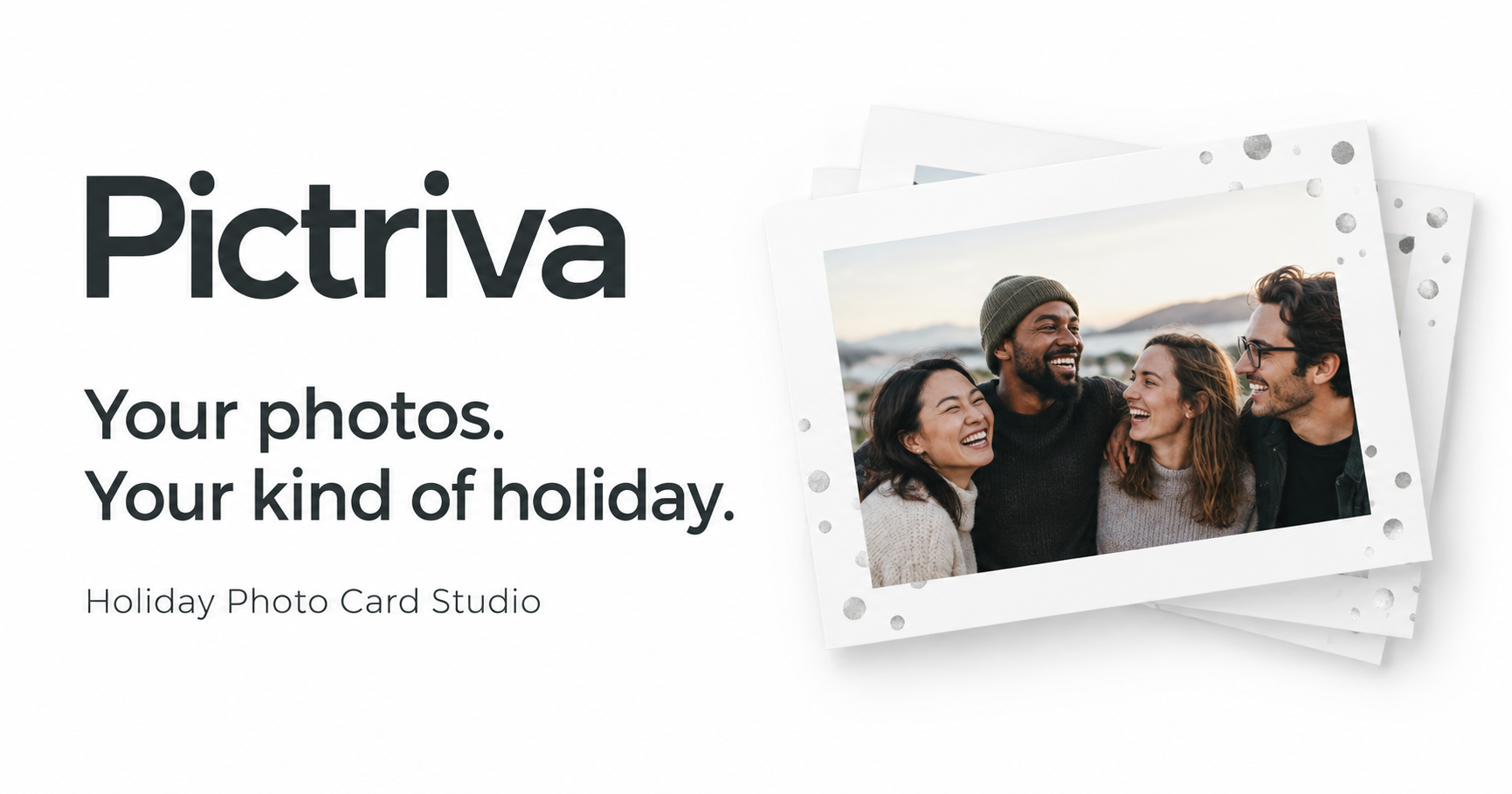
1. Choose photos with room to breathe
Start with a clear photo where faces are easy to see. Leave some space around the edges so you can adjust the crop. For a collage, mix one favorite group shot with a few closer moments instead of using many nearly identical pictures.
2. Open Card Studio
In the Pictriva studio, choose Open Card Studio to arrange your photos. You can make a card from your own pictures without using face swap. If you want to personalize a group scene first, the studio also offers face swap; review the result carefully before placing it on your card.
3. Pick a greeting and make it personal
Choose Christmas, Hanukkah, New Year’s, or Happy Holidays, then customize your message. Try a short greeting on the front and a family update or personal note on the back. Keep text away from faces and leave enough contrast to read it easily.
4. Check both sides before downloading
Review names, spelling, photo crops, and the front and back of your card. Make sure important details are inside the safe area. If you plan to use a print service, check its file and bleed requirements before ordering.
Downloads and printing
Pictriva currently offers a one-time $1.99 purchase for 24-hour access to clean photo and card downloads in the same browser, including card styles, messages, and both sides. Save your finished files during that access period. See the digital purchase terms for details.
To order printed cards, open Card Studio and choose Order printed cards when available. Review your design and shipping details before paying at checkout.
A few questions before you start
Do I need an AI-generated photo?
No. Use your own photos in Card Studio. Face swap is an optional step for personalizing a scene.
Can I make a card for a different holiday?
Yes. The studio includes Christmas, Hanukkah, New Year’s, and Happy Holidays greetings, plus your own wording.
What should I check in a face-swap result?
Check the person’s likeness, expression, hair, and the surrounding people and background. Use photos you have permission to edit and share.